Getting the explanation out of the meeting
The person doing the explaining
A product demo has an advantage that's easy to overlook when you're turning it into a piece of content: there's somebody there to explain it. The person presenting knows why they've opened that tab, what the number in the corner means, and which part of the workflow they can safely skip. They can fill in whatever the interface doesn't make obvious, usually without noticing they're doing it. By the end of the call, it's quite possible for everyone to agree that the product was clear when a fair amount of the clarity belonged to the person showing it.
That was the job I was working on here. Our product lead had walked through the platform on two customer calls, and I was asked to turn those demonstrations into a video. One workflow, from start to finish, that somebody could follow without him there to talk them through it. Ideally something they could also send to a colleague, without having to become the person doing all the explaining themselves.
I made it with Claude, using a motion design skill that runs on Remotion. The finished demo is two minutes and nineteen seconds long. It took sixteen versions over four days, which is a slightly less exciting account of AI video production than typing a sentence and going for lunch, but a more useful one.
Moving pictures
The early versions zoomed towards whichever element the narration was talking about. You can see the logic: if the important thing is a button, make the button bigger. The trouble was that each move also made the viewer work out where they were again, and the sequence felt jarring. I reduced the zoom in three steps before removing it altogether. The demo window now stays in view, with highlights doing the pointing.
I think this is an easy mistake to make with a tool that can produce movement on request. A camera move is a very visible response to a note. Keeping the page still takes less explaining technically, but more confidence that the viewer has what they need. In this case, the surrounding interface was part of the explanation: it showed where the action belonged, which disappeared just when we were asking somebody to understand it.
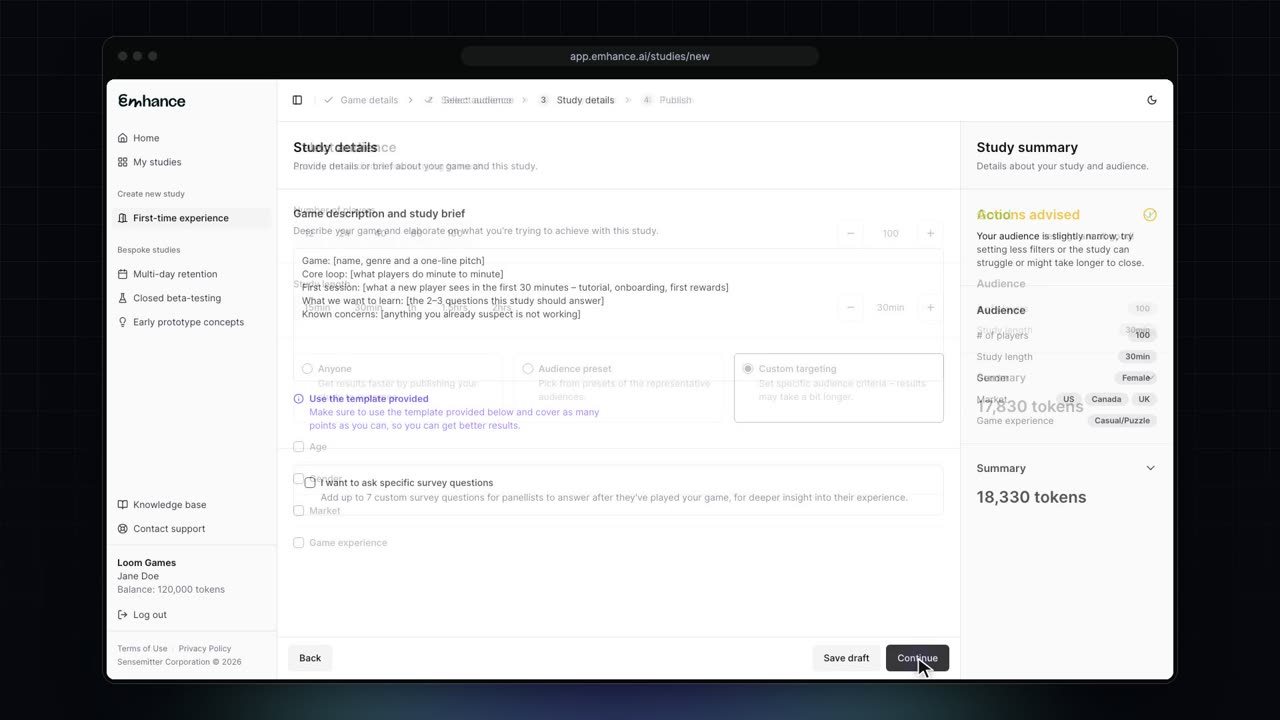
How it was built
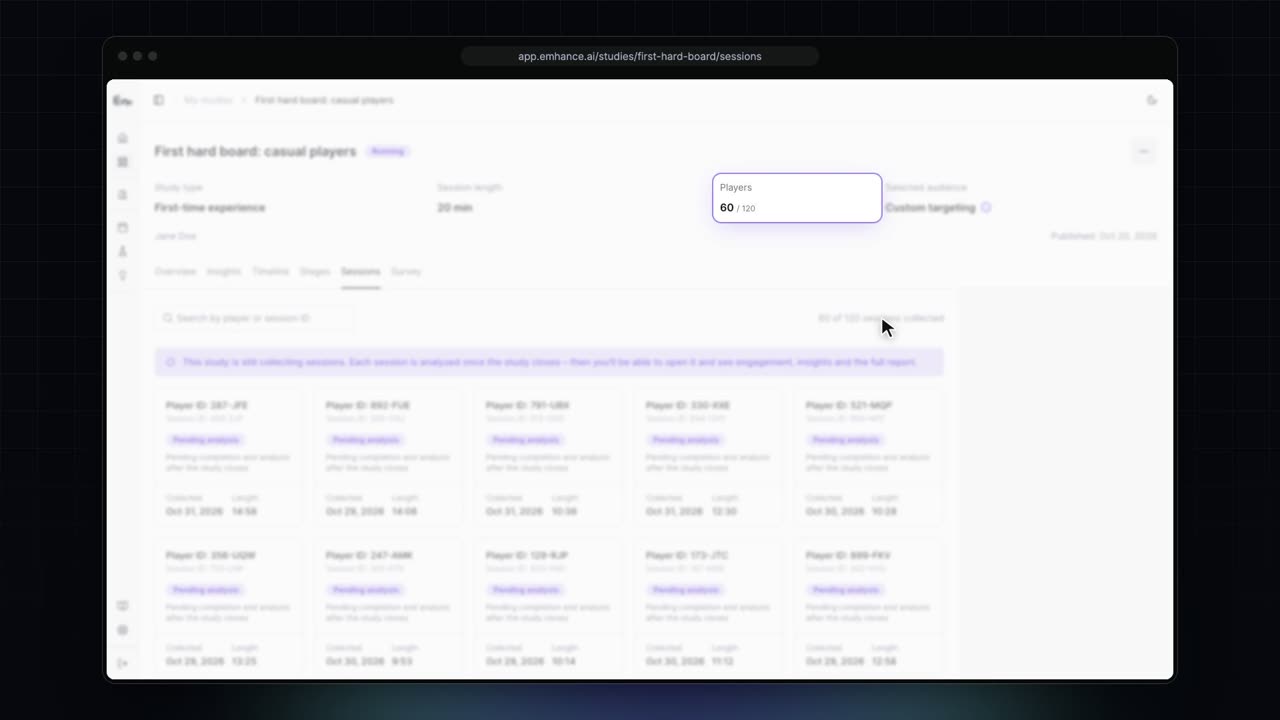
Claude used Playwright to capture the actual prototype as saved page markup, including the positions of the elements we needed to point at. Remotion then rendered those states and animated the sequence: text being entered, a slider moving, a chart growing. For this project, that meant I could change a highlight or how long a step took without recording the whole walkthrough again.
The narration worked on the same principle. It was a single ElevenLabs take, with visual cues attached to particular words: a click on “Publish”, a highlight on “cohort”. If a replacement take moved those words, the cues could move with them. That removed a fairly tedious reason to leave a line alone once it had been recorded.
Knowing when to stop
The Claude skill I built for video production divided the work into a brief, script, storyboard, capture, rough cut and finished build, and stopped for approval between stages (and the skill is available to you if you book a workshop!).
The reason I built it like this is that the final rendering, plus any AI video or voiceover generation, is the most time-consuming and costly step. I therefore try to get Claude working in as tight a band as possible, by building a strong skeleton for it to operate within. But that doesn't mean it's rigid. This skill means everything is compartmentalised, so you can adjust individual elements without breaking the entire video.
If a zoom felt wrong, I could reduce it, look again, and eventually take it out. If the close felt rushed, I could leave more time and watch the whole thing back. Sixteen versions sounds like a lot until you consider how often a piece of AI content stays slightly wrong because the remaining change feels too expensive to justify.
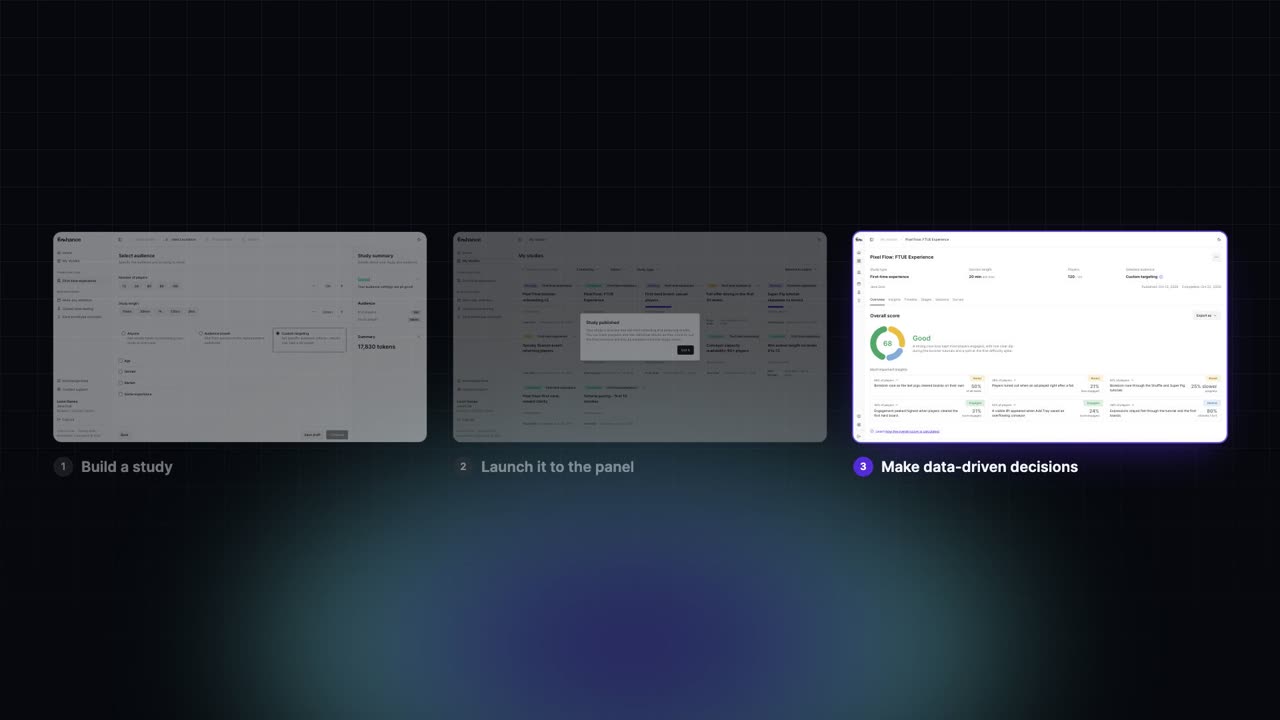
I've written about building the funnel backwards, starting with what somebody needs to understand before they can make a decision. A walkthrough like this has a fairly modest job within that: let someone see how the product works and build credibility that you have a USP and you're not vaporware.
My piece on AI and buyer precision outlines where I'm going next: why have one demo video, when you can tailor it — perhaps even live — to the recipient or viewer.